

To create a 2D floor plan, use the CubiCasa mobile app.
REcolorado News and Resources

NeigborhoodIntel: Customizing Your Reports
Gain greater control over the content of your reports. With improved selective section removal, you can tailor each report to exactly what your clients need…
NeighborhoodIntel: Agent Personalization
Personalize your neighborhood reports further to align perfectly with your brand. NeighborhoodIntel offers customization options for your contact information, photo, and social media links. To…
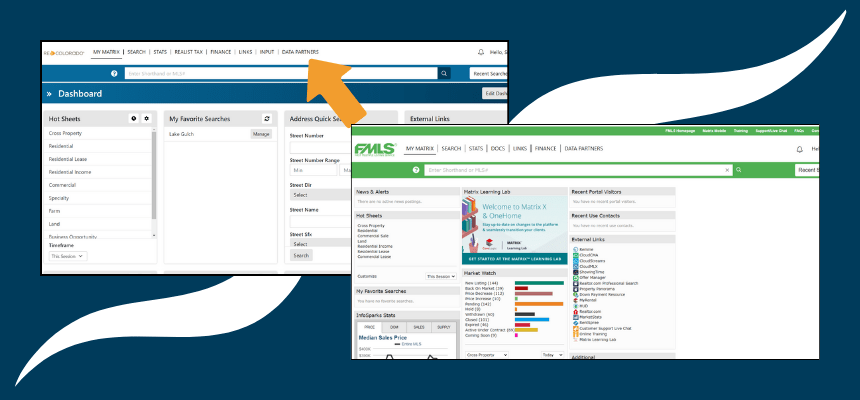
Access Shared Listings with IntraMatrix
When you log into Matrix, you can access even more listings with your REcolorado subscription! REcolorado is sharing access to listing data with other MLSs…
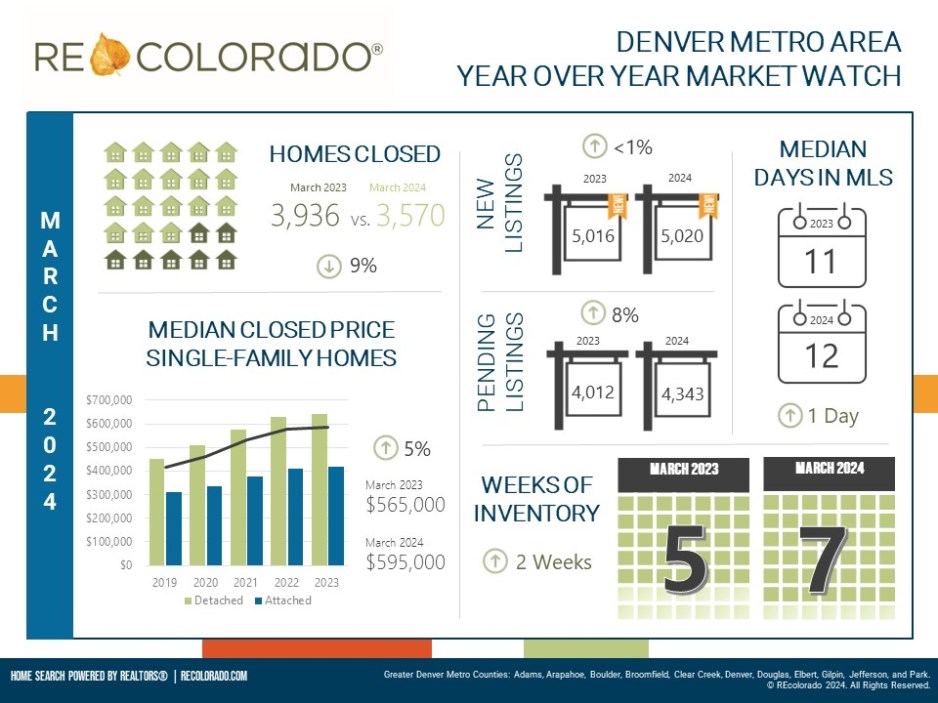
Denver Metro Housing Market Heats Up in March with Strong Buyer Demand and Rising Prices
The Denver metro housing market continued its hot streak in March, with strong buyer demand pushing up sales and prices. Competition Heats UpHome buyers continued…
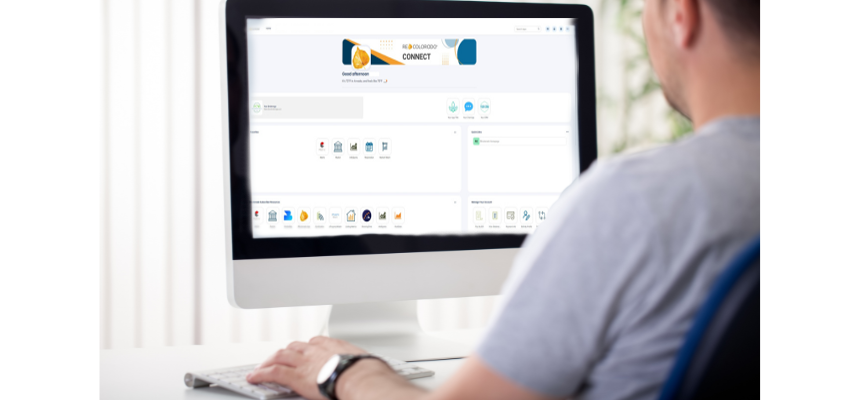
Connect Dashboard: Your Hub for all REcolorado Tools and Services
The REcolorado Connect Dashboard was designed to enhance your experience with a modern interface and customizable features tailored to your needs. It displays all your…

Add Custom Apps for Your Office on the REcolorado Connect Dashboard
Add Up to Three Apps to the Brokerage Panel on the REcolorado Connect Dashboard Watch the video to learn how primary managing brokers can add…
Add Office Logo to the REcolorado Connect Dashboard
Watch the video to learn how to add your office logo to the brokerage panel on the REcolorado Connect dashboard. This step-by-step guide will show…
Easily Find Attached Properties in Matrix
If your client is considering only attached or only detached properties, you can easily find the right listings with the Filter by Attached/Detached selection. Using…

Showcase your Attached Property with these Two Fields
The Attached Y/N field is a required field designed to help simplify the listing process and ensure you’re attracting the right buyer. On the Building…
NeighborhoodIntel: Submit a Report Request
To submit a support request, head to your NeighborhoodIntel dashboard, and click the gear icon on the top right corner. On the Subscription and Support…
NeighborhoodIntel: Generating a Location Report
To generate a location report, head to your NeighborhoodIntel dashboard, and simply enter any address in the search bar. It will auto-populate to speed things…
Key Resources
- ABCs of Matrix Statuses
- Bathroom Guide
- Closing Checklist
- Course Catalog
- Dictionary of Property Types
- Energy and Green Features Addendum
- Energy Definitions and Suggested Documentation
- Listing Input Forms
- Matrix Listing Icons
- MLS Policy Essentials Guide
- NAR Settlement Resources
- Office and Associate Forms
- Square Footage Companion
- Subtype and Structure Type Guide
- Transfer Listings
Recent Posts
Biweekly Newsletter: March 19, 2026
Search Confidently with the REcolorado App Stay…
Biweekly Newsletter: March 5, 2026
February Housing Market Reports February brought shifts…
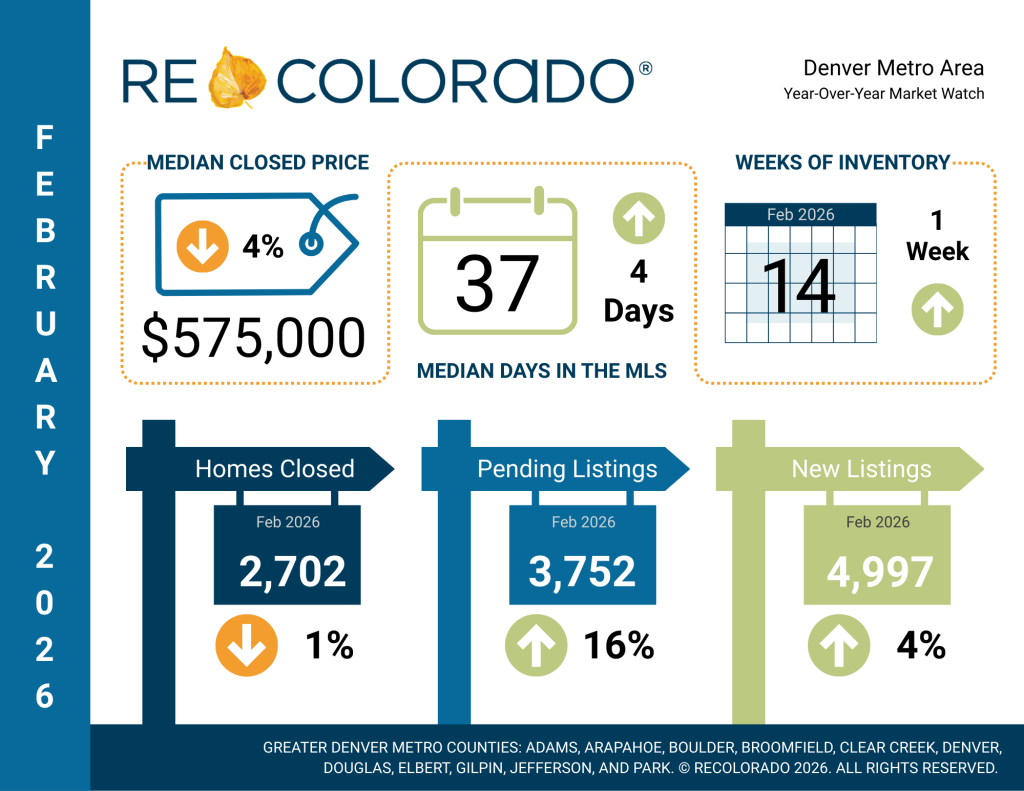
February 2026 Housing Market Reports
Year-Over-Year Insights In February, the Denver Metro…